Components
Explore the various components available in our library.
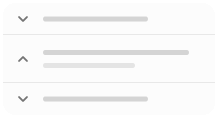
Accordion
A vertically stacked set of interactive headings that each reveal an associated section of content.
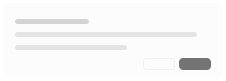
Alert Dialog
A modal dialog that interrupts the user with important content and expects a response.

Alert
Display important messages to users.

Avatar
An image element with a fallback for representing the user.

Badge
Displays a badge or a component that looks like a badge.

Breadcrumb
Breadcrumb component is used to display the current location within a navigational hierarchy.

Button Group
Button Group represents a set of related actions.

Button
Button is used to trigger an action or event when clicked.
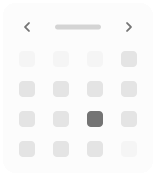
Calendar
A date field component that allows users to enter and edit date.
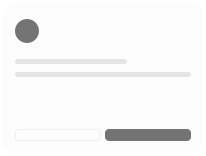
Card
Displays a card with header, content, and footer.
Carousel
A carousel with motion and swipe built using Embla.
Chart
Beautiful charts. Built using Recharts. Copy and paste into your apps.
Checkbox
A control that allows the user to toggle between checked and not checked.
Collapsible
An interactive component which expands/collapses a panel.

Combobox
Autocomplete input and command palette with a list of suggestions.
Command
Fast, composable, unstyled command menu for React.
Context Menu
Displays a menu located at the pointer, triggered by a right click or a long press.
Data Table
Powerful table and datagrids built using TanStack Table.

Date Picker
A date picker component with range and presets.
Dialog
A window overlaid on either the primary window or another dialog window, rendering the content underneath inert.
Drawer
A drawer component for React.
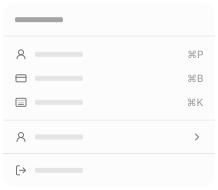
Dropdown Menu
Displays a menu to the user — such as a set of actions or functions — triggered by a button.
Empty
Use the Empty component to display a empty state.
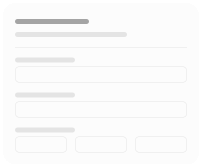
Field
The Field component is used to create accessible form fields.
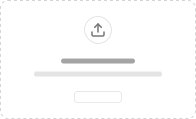
File Upload
A file upload component with drag and drop, previewing, and progress tracking.
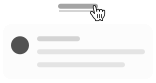
Hover Card
For sighted users to preview content available behind a link.
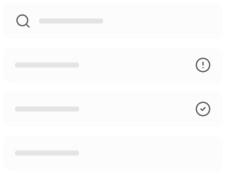
Input Group
Display additional information or actions to an input or textarea.

Input OTP
Accessible one-time password component with copy paste functionality.

Input
Input is used to get user input.
Item
A versatile component that you can use to display any content.
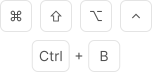
Kbd
Used to display textual user input from keyboard.

Label
Label represents a caption for an item in a user interface.
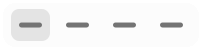
Menubar
A visually persistent menu common in desktop applications that provides quick access to a consistent set of commands.

Native Select
A styled native HTML select element with consistent design system integration.
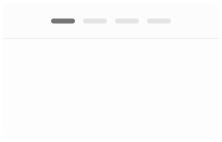
Navigation Menu
A collection of links for navigating websites.

Pagination
Pagination with page navigation, next and previous links.

Phone Input
A phone input field with country code dropdown.
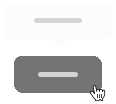
Popover
Displays rich content in a portal, triggered by a button.

Progress
Displays an indicator showing the completion progress of a task, typically displayed as a progress bar.
Radio Group
A set of checkable buttons—known as radio buttons—where no more than one of the buttons can be checked at a time.
Resizable
Accessible resizable panel groups and layouts with keyboard support.
Scroll Area
Augments native scroll functionality for custom, cross-browser styling.
Select
Displays a list of options for the user to pick from—triggered by a button.
Separator
Visually or semantically separates content.

Sheet
Extends the Dialog component to display content that complements the main content of the screen.

Sidebar
A composable, themeable and customizable sidebar component.
Skeleton
Use to show a placeholder while content is loading.

Slider
An input where the user selects a value from within a given range.

Sonner
An opinionated toast component for React.

Spinner
An indicator that can be used to show a loading state.

Stepper
Accessible and typesafe Stepper component to create step-by-step workflows.

Switch
A control that allows the user to toggle between checked and not checked.
Table
A responsive table component.

Tabs
A set of layered sections of content—known as tab panels—that are displayed one at a time.

Tags Input
A tags input component for adding and managing multiple text values as removable badges.
Textarea
Displays a form textarea or a component that looks like a textarea.
Timeline
A component to display a timeline of events.

Toast
A succinct message that is displayed temporarily.
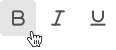
Toggle Group
A set of two-state buttons that can be toggled on or off.

Toggle
A two-state button that can be either on or off.
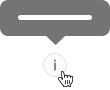
Tooltip
A popup that displays information related to an element when the element receives keyboard focus or the mouse hovers over it.