Building Blocks for the Web
Clean, modern building blocks. Copy and paste into your apps. Works with all React frameworks. Open Source. Free forever.
Files
import { styled } from "styled-system/jsx";
import { AppSidebar } from "@/components/app-sidebar";
import { ChartAreaInteractive } from "@/components/chart-area-interactive";
import { DataTable } from "@/components/data-table";
import { SectionCards } from "@/components/section-cards";
import { SiteHeader } from "@/components/site-header";
import { SidebarInset, SidebarProvider } from "@/components/ui/sidebar";
import data from "./data.json";

export default function Page() {
  return (
    <SidebarProvider
      style={
        {
          "--header-height": "3rem",
        } as React.CSSProperties
      }
    >
      <AppSidebar variant="inset" />
      <SidebarInset>
        <SiteHeader />
        <styled.div css={{ display: "flex", flex: "1", flexDir: "column" }}>
          <styled.div
            css={{
              containerName: "main",
              containerType: "inline-size",
              display: "flex",
              flex: "1",
              flexDir: "column",
              gap: "2",
            }}
          >
            <styled.div
              css={{
                display: "flex",
                flexDir: "column",
                gap: "4",
                py: "4",
                md: { gap: "6", py: "6" },
              }}
            >
              <SectionCards />
              <styled.div css={{ px: "4", lg: { px: "6" } }}>
                <ChartAreaInteractive />
              </styled.div>
              <DataTable data={data} />
            </styled.div>
          </styled.div>
        </styled.div>
      </SidebarInset>
    </SidebarProvider>
  );
}
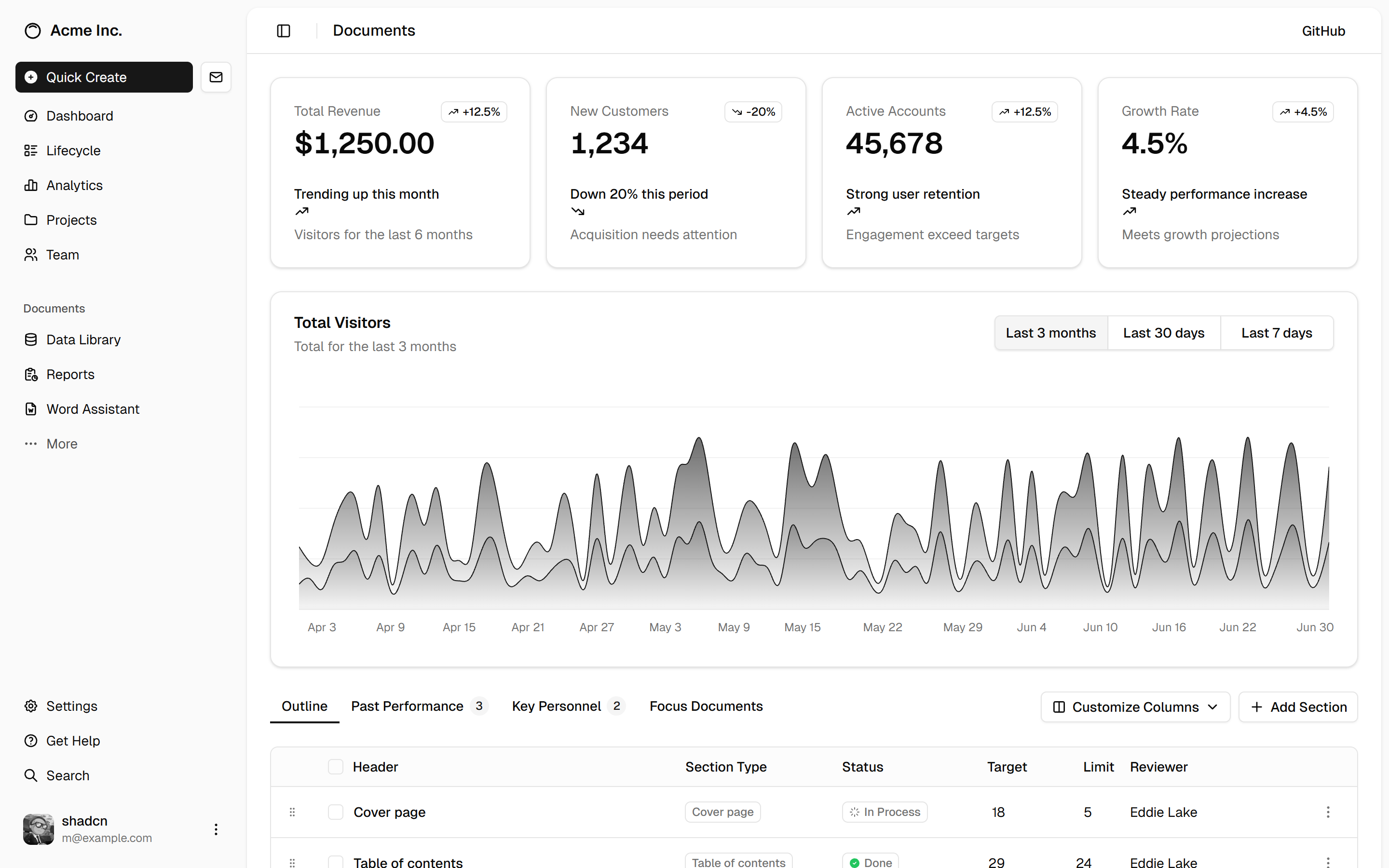
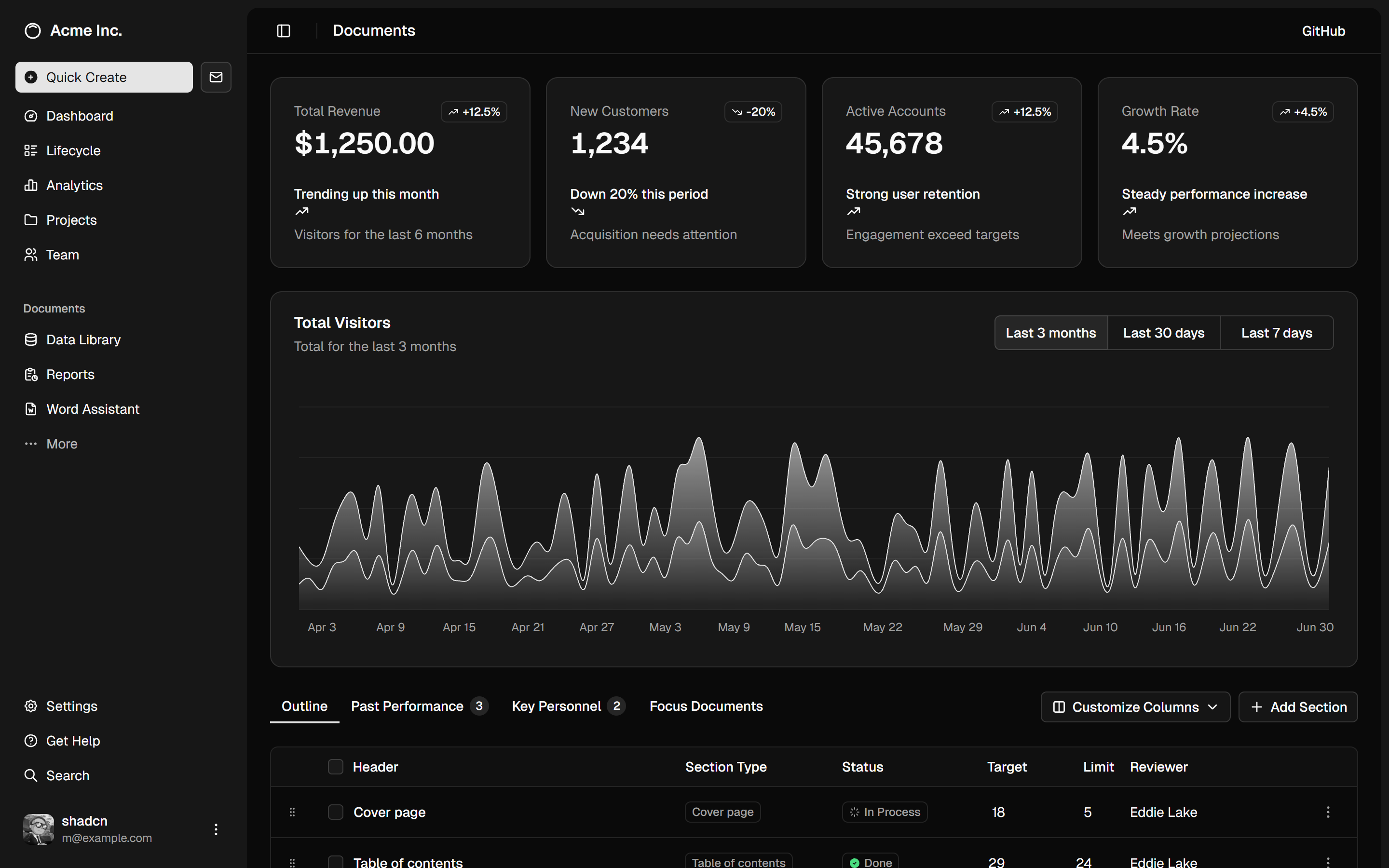
A dashboard with sidebar, charts and data table.
dashboard-01
Files
import { styled } from "styled-system/jsx";
import { AppSidebar } from "@/components/app-sidebar";
import {
  Breadcrumb,
  BreadcrumbItem,
  BreadcrumbLink,
  BreadcrumbList,
  BreadcrumbPage,
  BreadcrumbSeparator,
} from "@/components/ui/breadcrumb";
import { Separator } from "@/components/ui/separator";
import { SidebarInset, SidebarProvider, SidebarTrigger } from "@/components/ui/sidebar";

export default function Page() {
  return (
    <SidebarProvider>
      <AppSidebar />
      <SidebarInset>
        <styled.header
          css={{
            display: "flex",
            h: "16",
            flexShrink: "0",
            alignItems: "center",
            gap: "2",
            transitionProperty: "width,height",
            transitionTimingFunction: "linear",
            ".group-sidebar-wrapper:has([data-collapsible=icon]) &": { h: "12" },
          }}
        >
          <styled.div css={{ display: "flex", alignItems: "center", gap: "2", px: "4" }}>
            <SidebarTrigger css={{ ml: "-1" }} />
            <Separator orientation="vertical" css={{ mr: "2", _vertical: { h: "4" } }} />
            <Breadcrumb>
              <BreadcrumbList>
                <BreadcrumbItem css={{ display: "none", md: { display: "block" } }}>
                  <BreadcrumbLink href="#">Building Your Application</BreadcrumbLink>
                </BreadcrumbItem>
                <BreadcrumbSeparator css={{ display: "none", md: { display: "block" } }} />
                <BreadcrumbItem>
                  <BreadcrumbPage>Data Fetching</BreadcrumbPage>
                </BreadcrumbItem>
              </BreadcrumbList>
            </Breadcrumb>
          </styled.div>
        </styled.header>
        <styled.div css={{ display: "flex", flex: "1", flexDir: "column", gap: "4", p: "4" }}>
          <styled.div
            css={{
              display: "grid",
              gridAutoRows: "min",
              gap: "4",
              md: { gridTemplateColumns: "repeat(3, minmax(0, 1fr))" },
            }}
          >
            <styled.div css={{ bg: "muted/50", aspectRatio: "16/9", rounded: "xl" }} />
            <styled.div css={{ bg: "muted/50", aspectRatio: "16/9", rounded: "xl" }} />
            <styled.div css={{ bg: "muted/50", aspectRatio: "16/9", rounded: "xl" }} />
          </styled.div>
          <styled.div
            css={{ bg: "muted/50", minH: "100vh", flex: "1", rounded: "xl", md: { minH: "min" } }}
          />
        </styled.div>
      </SidebarInset>
    </SidebarProvider>
  );
}
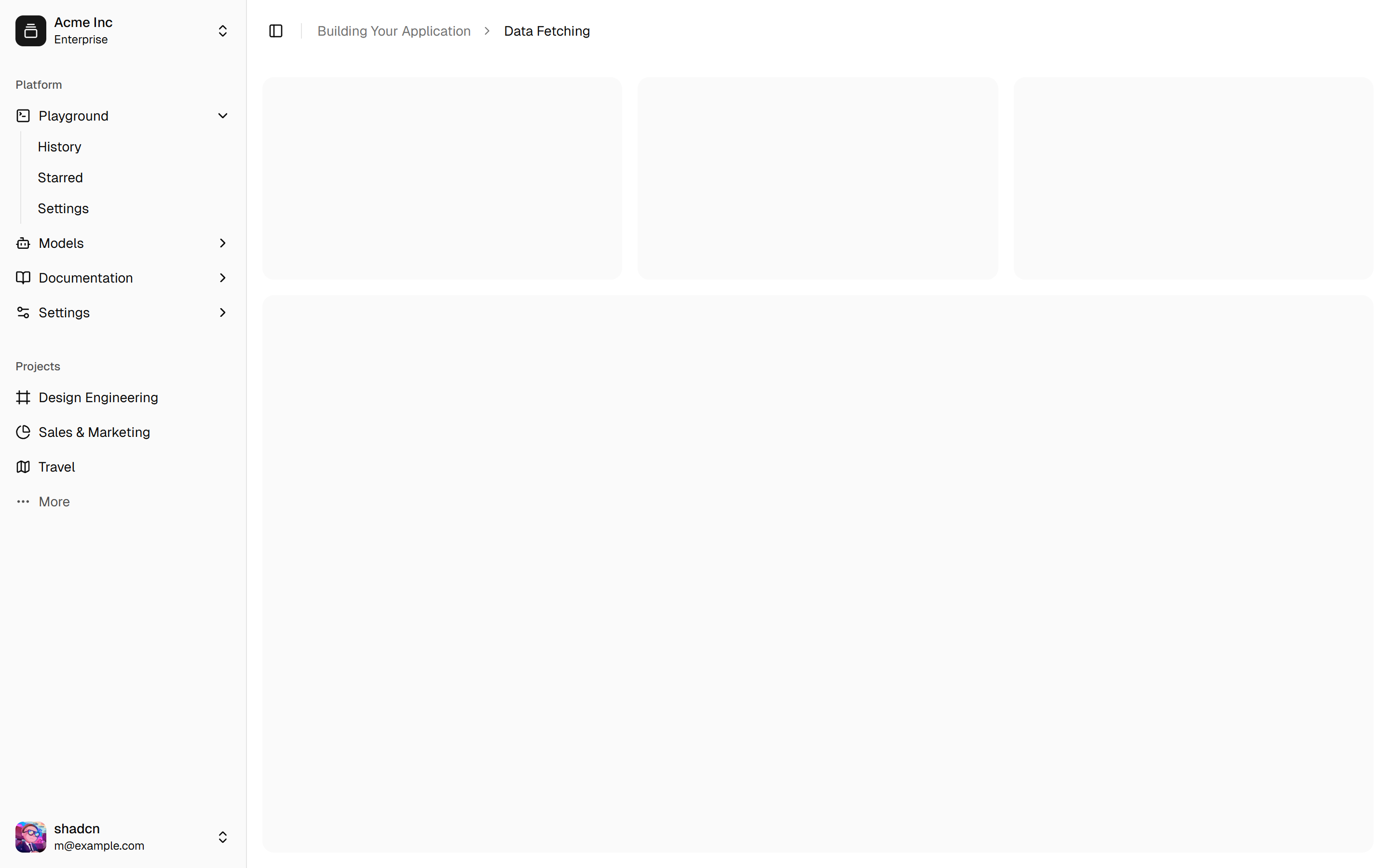
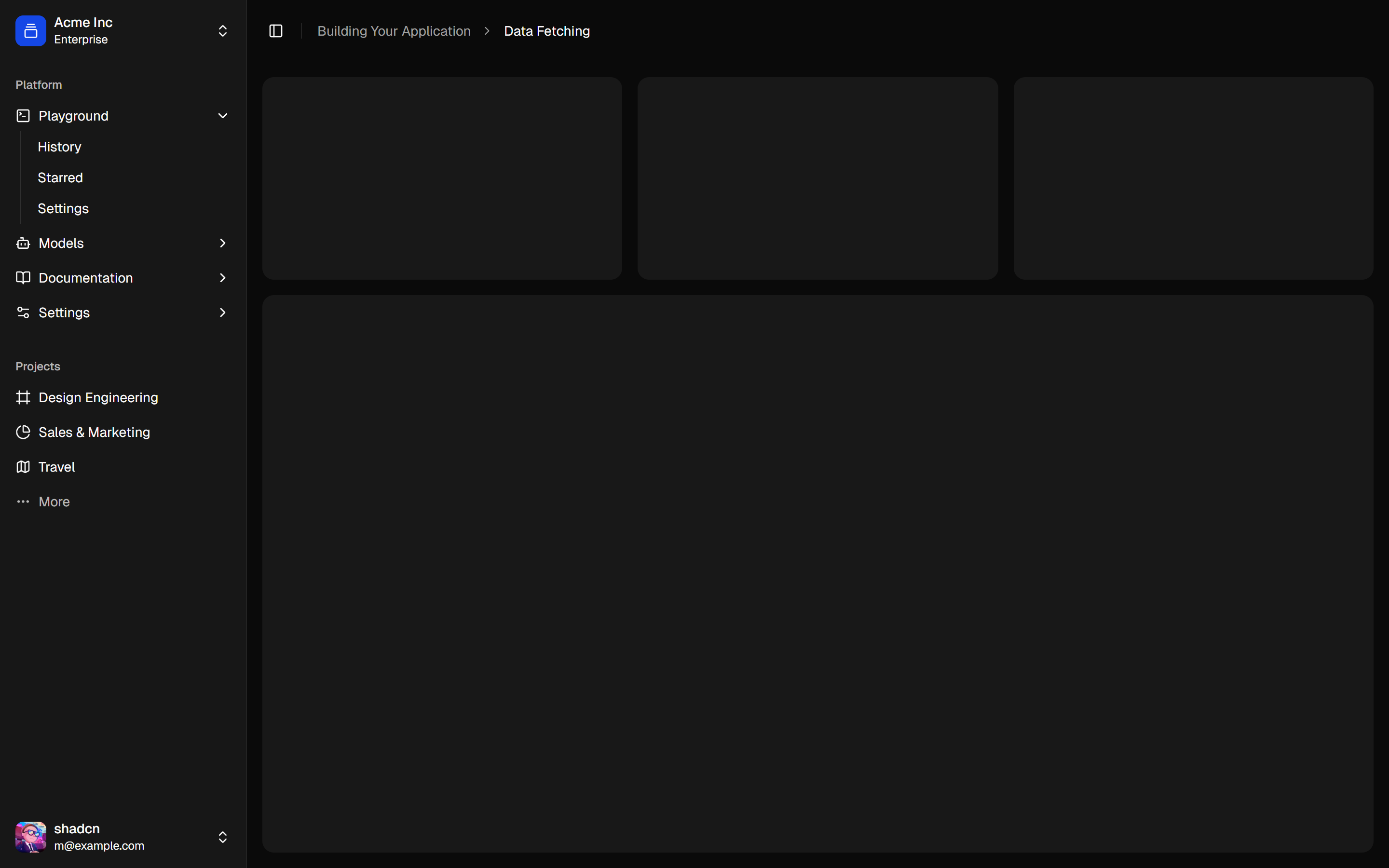
A sidebar that collapses to icons.
sidebar-07
Files
import { styled } from "styled-system/jsx";
import { AppSidebar } from "@/components/app-sidebar";
import {
  Breadcrumb,
  BreadcrumbItem,
  BreadcrumbLink,
  BreadcrumbList,
  BreadcrumbPage,
  BreadcrumbSeparator,
} from "@/components/ui/breadcrumb";
import { Separator } from "@/components/ui/separator";
import { SidebarInset, SidebarProvider, SidebarTrigger } from "@/components/ui/sidebar";

export default function Page() {
  return (
    <SidebarProvider>
      <AppSidebar />
      <SidebarInset>
        <styled.header
          css={{
            display: "flex",
            h: "16",
            flexShrink: "0",
            alignItems: "center",
            gap: "2",
            borderBottomWidth: "1px",
          }}
        >
          <styled.div css={{ display: "flex", alignItems: "center", gap: "2", px: "3" }}>
            <SidebarTrigger />
            <Separator orientation="vertical" css={{ mr: "2", h: "4" }} />
            <Breadcrumb>
              <BreadcrumbList>
                <BreadcrumbItem css={{ display: "none", md: { display: "block" } }}>
                  <BreadcrumbLink href="#">Building Your Application</BreadcrumbLink>
                </BreadcrumbItem>
                <BreadcrumbSeparator css={{ display: "none", md: { display: "block" } }} />
                <BreadcrumbItem>
                  <BreadcrumbPage>Data Fetching</BreadcrumbPage>
                </BreadcrumbItem>
              </BreadcrumbList>
            </Breadcrumb>
          </styled.div>
        </styled.header>
        <styled.div css={{ display: "flex", flex: "1", flexDir: "column", gap: "4", p: "4" }}>
          <styled.div
            css={{
              display: "grid",
              gridAutoRows: "min",
              gap: "4",
              md: { gridTemplateColumns: "repeat(3, minmax(0, 1fr))" },
            }}
          >
            <styled.div css={{ bg: "muted/50", aspectRatio: "16/9", rounded: "xl" }} />
            <styled.div css={{ bg: "muted/50", aspectRatio: "16/9", rounded: "xl" }} />
            <styled.div css={{ bg: "muted/50", aspectRatio: "16/9", rounded: "xl" }} />
          </styled.div>
          <styled.div
            css={{ bg: "muted/50", minH: "100vh", flex: "1", rounded: "xl", md: { minH: "min" } }}
          />
        </styled.div>
      </SidebarInset>
    </SidebarProvider>
  );
}
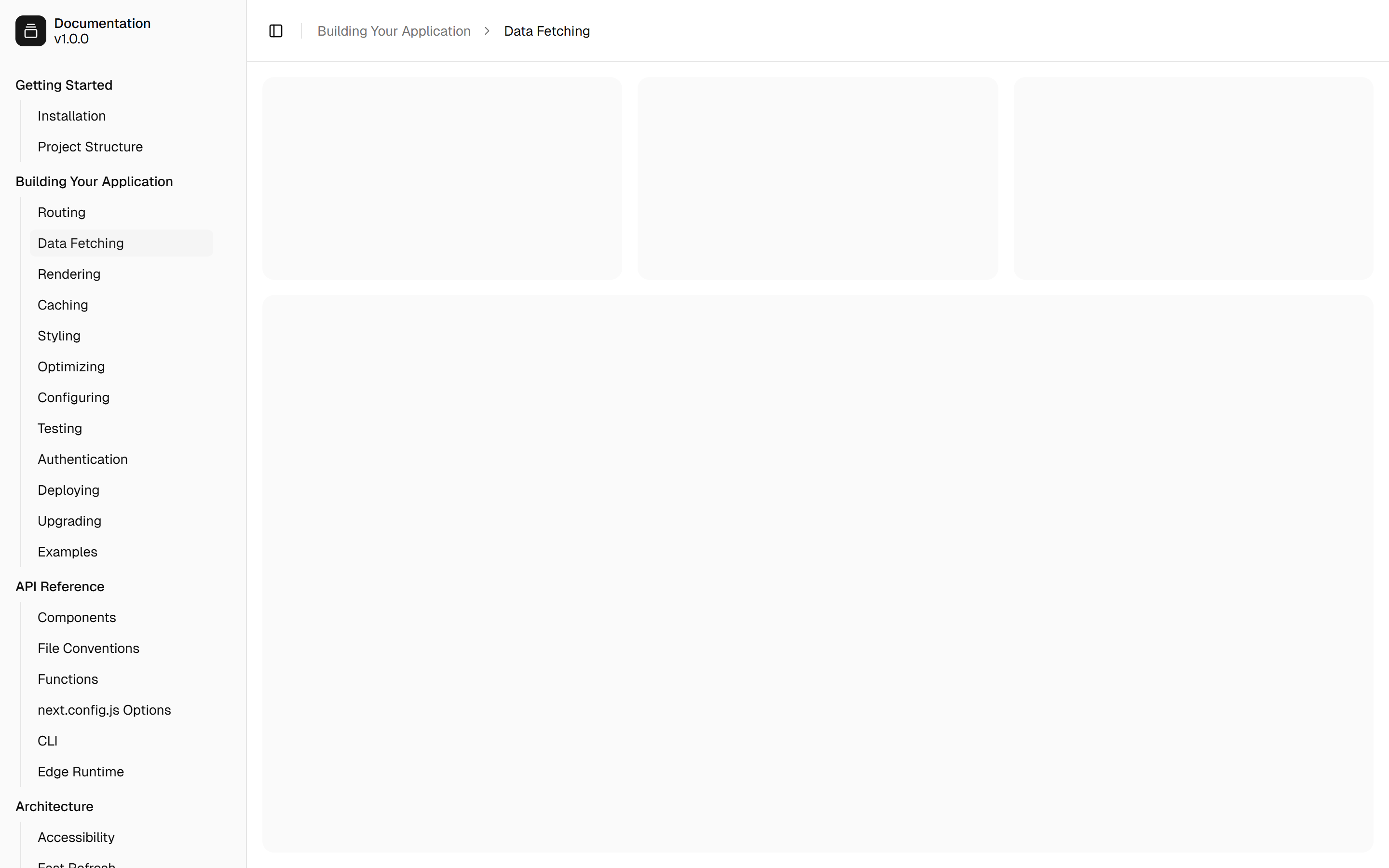
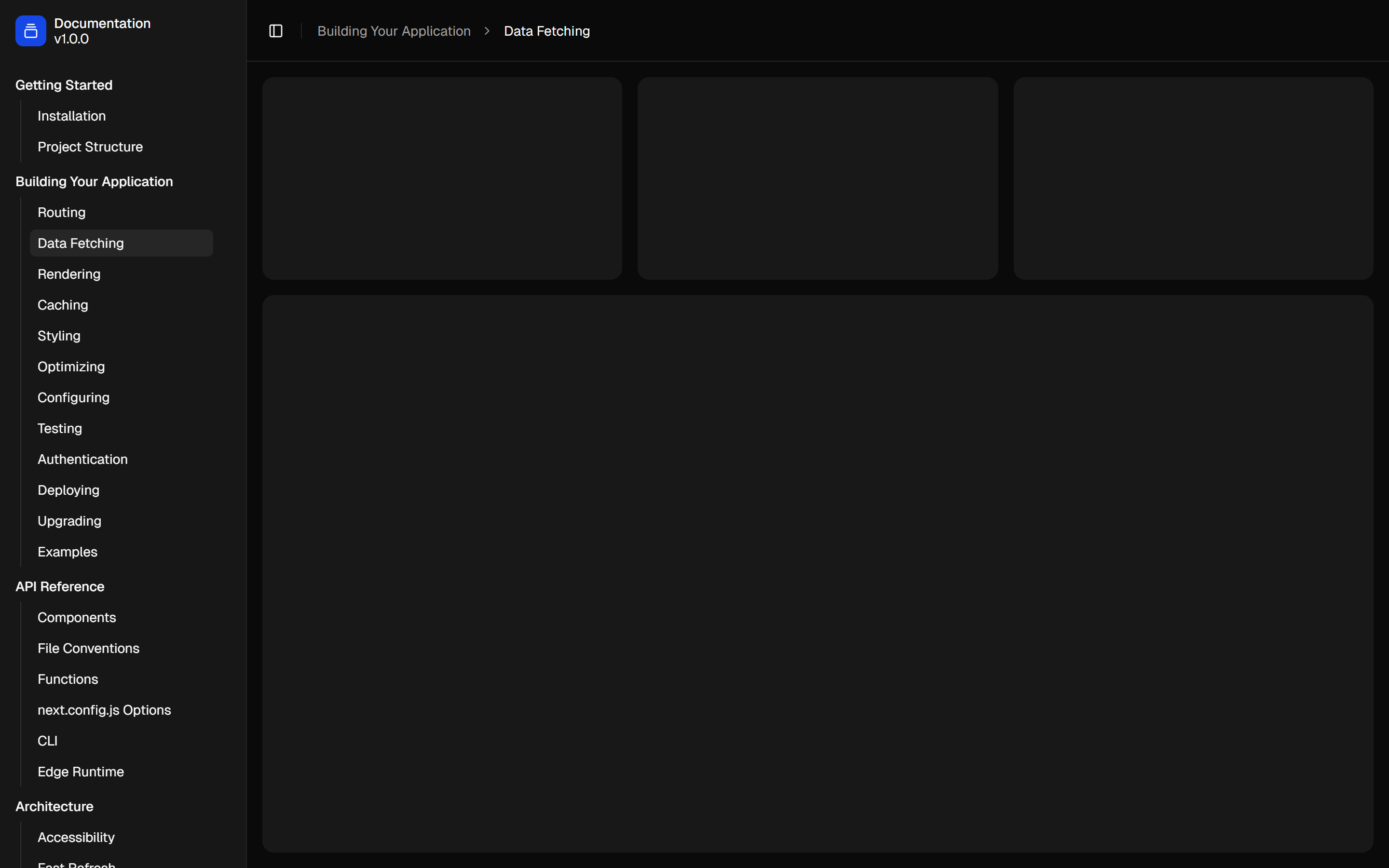
A sidebar with submenus.
sidebar-03
Files
import { LuGalleryVerticalEnd } from "react-icons/lu";
import { css } from "styled-system/css";
import { styled } from "styled-system/jsx";
import { LoginForm } from "@/components/login-form";

export default function LoginPage() {
  return (
    <styled.div
      css={{
        bg: "muted",
        display: "flex",
        minH: "svh",
        flexDir: "column",
        alignItems: "center",
        justifyContent: "center",
        gap: "6",
        p: "6",
        md: { p: "10" },
      }}
    >
      <styled.div css={{ display: "flex", w: "full", maxW: "sm", flexDir: "column", gap: "6" }}>
        <styled.a
          href="#"
          css={{
            display: "flex",
            alignItems: "center",
            gap: "2",
            alignSelf: "center",
            fontWeight: "medium",
          }}
        >
          <styled.div
            css={{
              bg: "primary",
              color: "primary.fg",
              display: "flex",
              w: "6",
              h: "6",
              alignItems: "center",
              justifyContent: "center",
              rounded: "md",
            }}
          >
            <LuGalleryVerticalEnd className={css({ w: "4", h: "4" })} />
          </styled.div>
          Acme Inc.
        </styled.a>
        <LoginForm />
      </styled.div>
    </styled.div>
  );
}
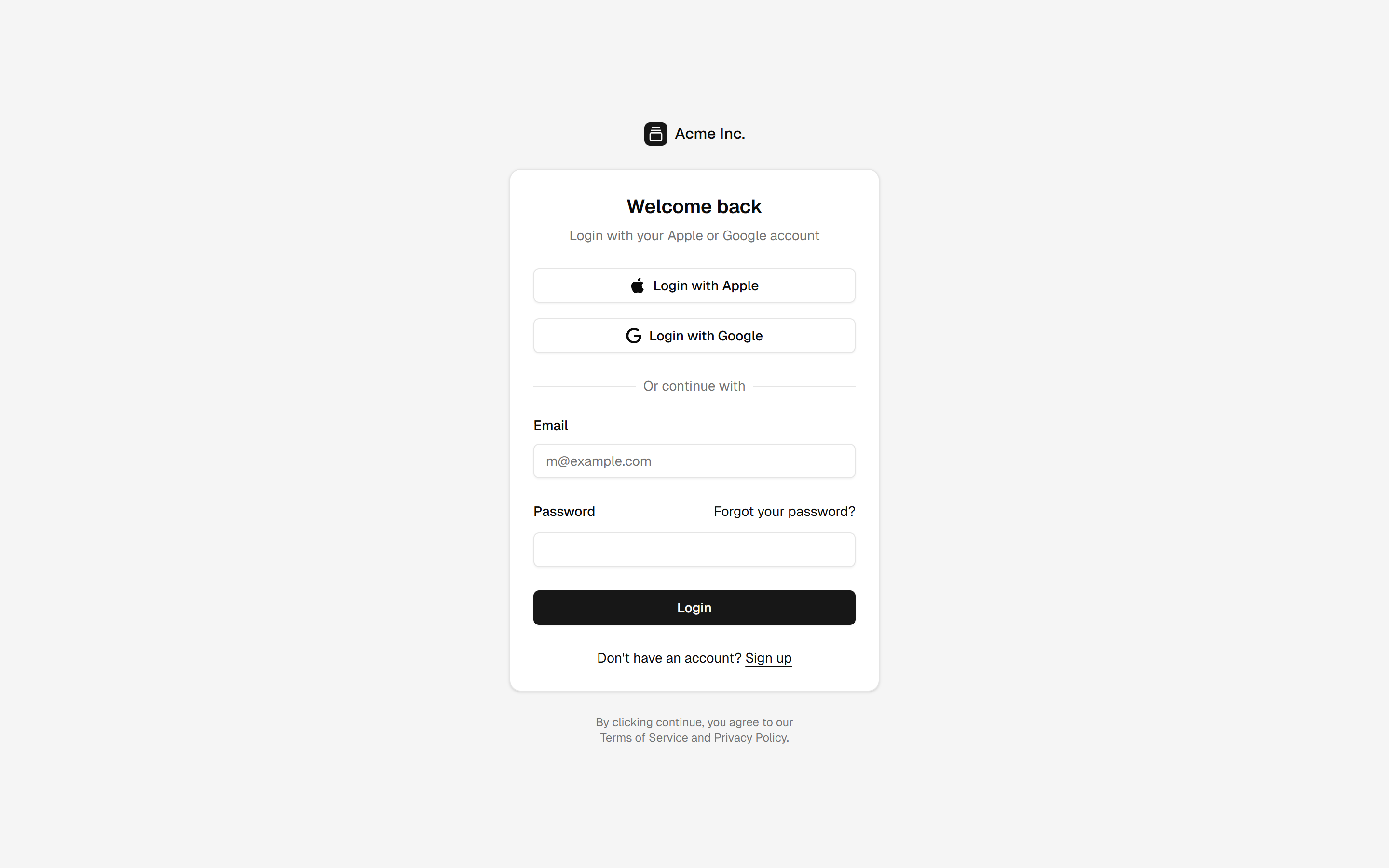
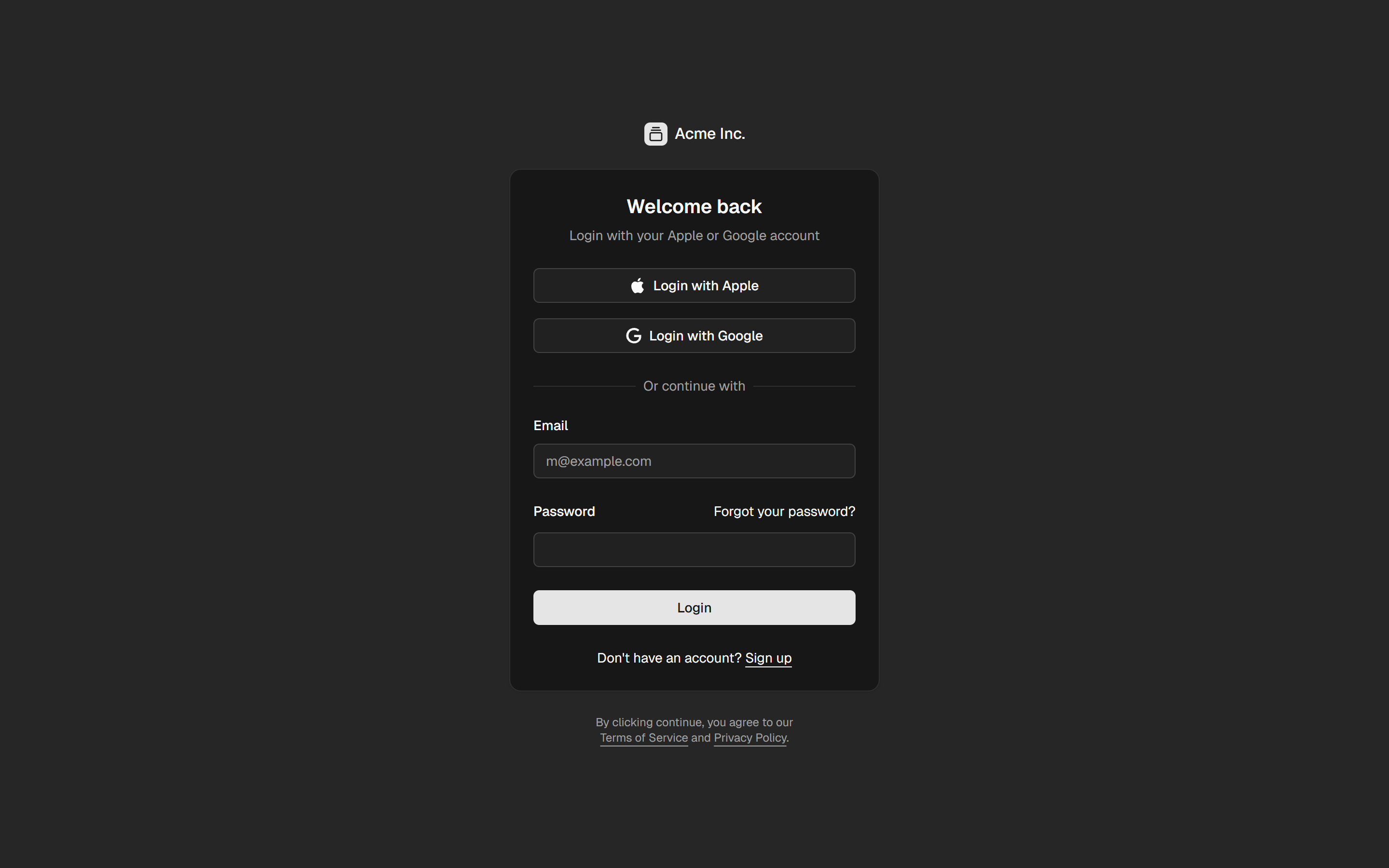
A login page with a muted background color.
login-03
Files
import { styled } from "styled-system/jsx";
import { LoginForm } from "@/components/login-form";

export default function LoginPage() {
  return (
    <styled.div
      css={{
        bg: "muted",
        display: "flex",
        minH: "svh",
        flexDir: "column",
        alignItems: "center",
        justifyContent: "center",
        p: "6",
        md: { p: "10" },
      }}
    >
      <styled.div css={{ w: "full", maxW: "sm", md: { maxW: "3xl" } }}>
        <LoginForm />
      </styled.div>
    </styled.div>
  );
}
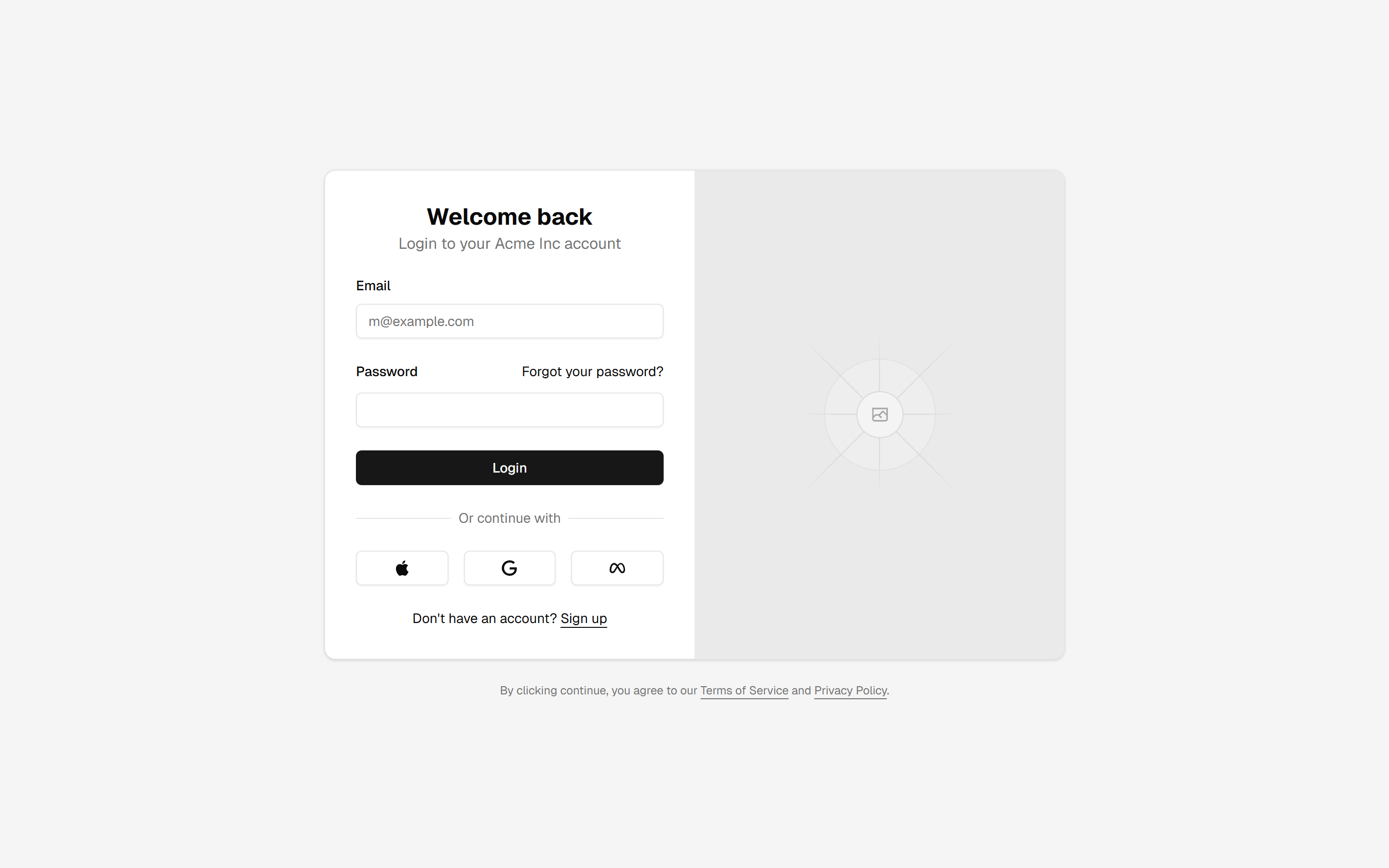
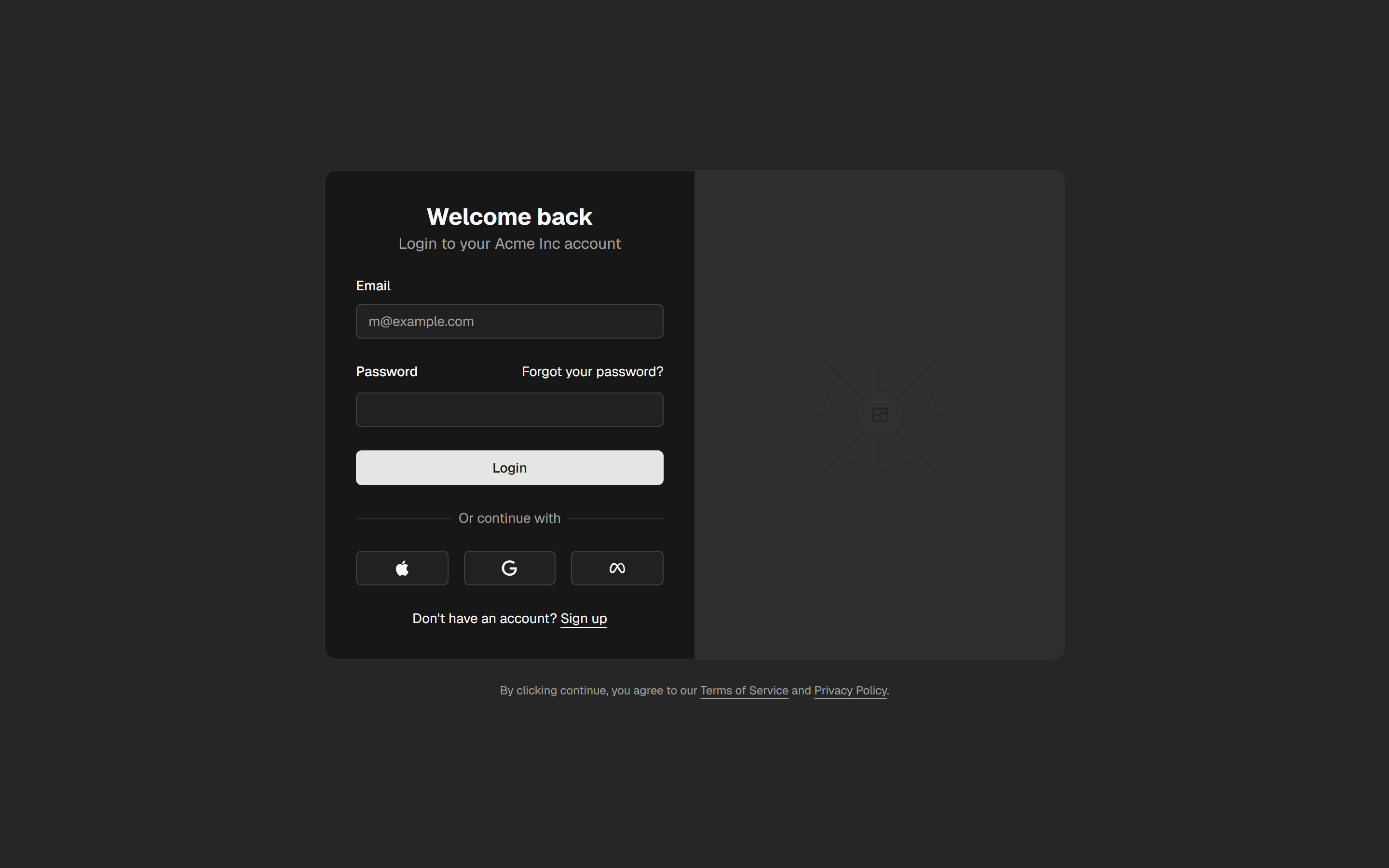
A login page with form and image.
login-04